01
A plan made from your setup
Save your available equipment and session preferences. Build workouts from 15 curated movements, with warm-up and cooldown included.
Warm up04 min
Move12 min
Ease out04 min
Windows workout companion
Plan a session, stay on tempo, and keep your workout history where it belongs: on your computer.
No account required. Your core workout stays available offline.
Local workout history
Manual controls always available
Camera is optional
Built for the workout
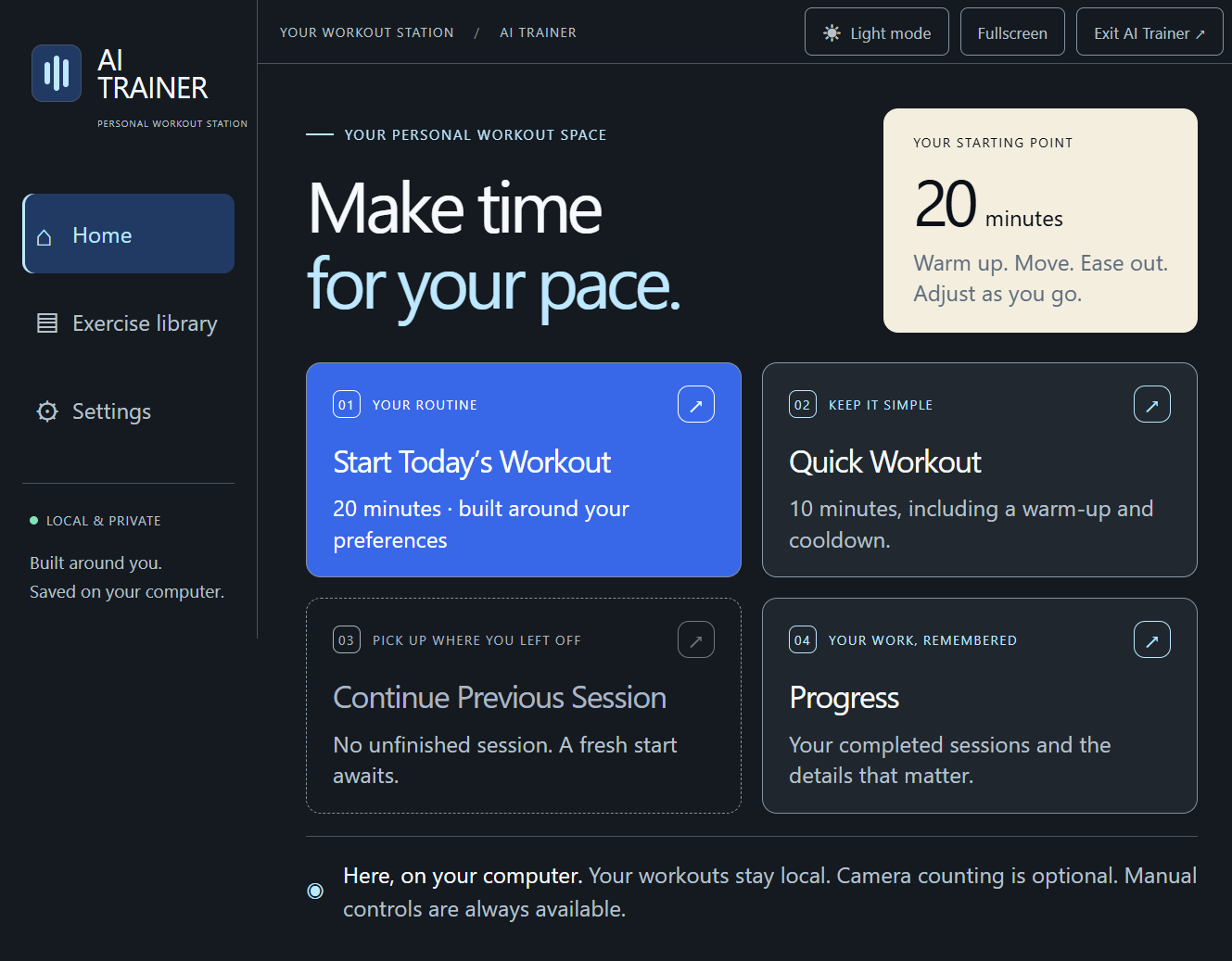
AI Trainer turns a Windows PC into a focused workout station. Choose your equipment and preferences, follow a plan, then use the controls that fit the moment.
01
Save your available equipment and session preferences. Build workouts from 15 curated movements, with warm-up and cooldown included.
02
Log counts manually, run timed sets, and manage rests. Camera-based bodyweight squat counts are available as estimates when you choose to enable the camera.
03
Sessions and completed workout details are kept locally. If a session is interrupted, AI Trainer can offer to continue from the saved point.
04
Hold to talk for supported workout commands through Windows speech. Touch controls remain available throughout the session.
Quick start
Download the Windows x64 installer and open it. This release is unsigned, so Windows may identify the publisher as unknown.
Add your preferences, equipment, and usual session length.
Use a suggested session or choose a quick workout.
Local by default
Plans, sessions, and history are stored on your Windows computer. AI Trainer has no account system, cloud workout sync, or analytics.
Stored locally in the desktop app.
Used on your system when you enable them. Video and audio are not saved.
With OpenAI enabled, your question and limited workout context are sent only when you choose to ask. wger receives reference searches and filters, never your workout history.
Good to know
No. Manual counts and timed sets work without one. A camera is optional for bodyweight squat count estimates, and manual controls stay available.
Core workouts and previously saved information work locally. OpenAI coaching and new wger exercise-reference searches require a connection. Previously fetched text references can be viewed offline.
AI Trainer can use an OpenAI GPT-5 mini API key that you add in Settings. It is optional, and API use is billed separately by OpenAI from any ChatGPT plan. When you opt in and ask a question, the question and limited workout context are sent to OpenAI.
The reference library can send search text and filters to wger, and keeps source attribution. It does not send personal workout history. Compatible illustrations will appear only after they have been reviewed and curated.
This download is a 64-bit Windows desktop application.
Your workout station